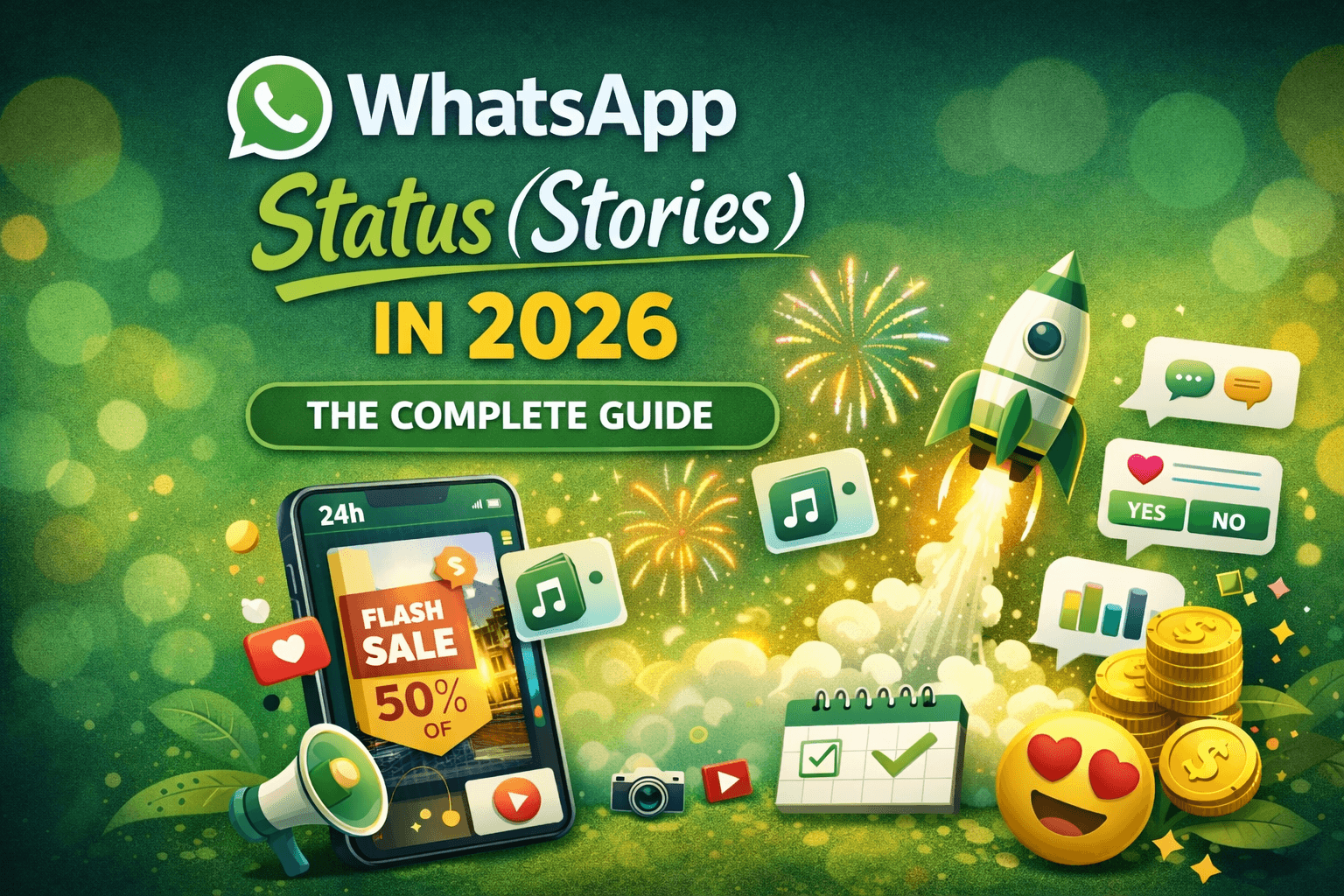
WhatsApp Status — also known as Stories — has quietly become one of the most powerful communication tools in the world. In 2026, it’s no longer just about sharing random photos or daily quotes. For individuals, creators, and businesses, Status has become a direct engagement channel that can build relationships, generate leads, and drive real revenue.
Yet, many users still struggle with low engagement, unclear features, and missed opportunities.
This guide will walk you through everything you need to know about WhatsApp Status in 2026 — how it works, what’s new, common problems, practical solutions, and how businesses can turn simple views into paying customers.
What Is WhatsApp Status and Why It Still Matters in 2026
WhatsApp Status allows you to share photos, videos, text, music, and interactive content that disappears after 24 hours. These updates appear in the “Updates” tab and are visible only to selected contacts.
What makes Status special in 2026 is its high visibility and personal nature.
Unlike social media feeds that are crowded with ads and algorithms, WhatsApp Status reaches people who already know you. This creates trust, which is the foundation of engagement and sales.
Key reasons Status remains powerful:
Most users open WhatsApp multiple times daily
Status appears prominently in the app
Content feels personal, not promotional
Messages and replies are direct and private
For businesses, this makes Status one of the most underrated marketing tools available today.
What’s New in WhatsApp Status in 2026
WhatsApp has added several features that make Status more creative and effective.
🎨 Animated Stickers and Visual Effects
You can now use animated stickers and effects to make your stories more engaging. These are especially popular during festivals, promotions, and special announcements.
🎵 Music Integration
Adding music to Status helps set the mood and increase viewing time. Trending audio clips can significantly improve engagement.
🖼️ Collages and Layout Tools
Instead of uploading multiple separate photos, you can combine them into one layout. This is useful for product showcases, travel updates, and event highlights.
🔄 Cross-Platform Sharing
You can share your Status to Instagram and Facebook through Meta’s account linking, helping you reach more people with the same content.
📝 Draft Saving (Coming Soon)
WhatsApp is introducing draft-saving features so you don’t lose content while editing.
These updates make Status closer to a full storytelling platform rather than a simple posting tool.
Common WhatsApp Status Problems (and How to Fix Them)
Despite these improvements, many users still face practical issues. Let’s look at the most common ones and their solutions.
Problem 1: Low Views and Poor Engagement
Many people post regularly but get very few views or replies.
Why it happens:
Posting random content
No clear message
Low-quality visuals
No interaction prompt
How to fix it:
Share content with purpose
Use clear captions
Ask simple questions
Post consistently
Example:
Instead of “New product available,” try:
“Which color would you choose? Reply and I’ll send you details.”
Problem 2: Blurry Photos and Videos
Status uploads sometimes reduce quality.
Fix:
Upload high-resolution files
Avoid heavy compression
Use good lighting
Upload via desktop if needed
Quality directly affects trust, especially for businesses.
Problem 3: Too Many Messages to Handle
When Status works well, messages increase. Many small businesses struggle to reply fast.
Result:
Delayed replies
Lost customers
Poor impression
This is where automation becomes essential.
Tools like chati.ai help businesses handle large volumes of WhatsApp inquiries by sending instant replies, answering FAQs, and organizing leads automatically — without replacing human interaction.
Instead of missing opportunities, businesses stay responsive 24/7.
Problem 4: Status Not Updating Properly
Sometimes Status doesn’t refresh or display correctly.
Fix:
Update the app
Refresh Updates tab
Clear cache
Reinstall if needed
Keeping WhatsApp updated solves most technical issues.
How to Use WhatsApp Status Strategically in 2026
Successful users don’t post randomly. They follow a simple strategy.
1. Post With a Clear Goal
Every Status should have one main purpose:
Inform
Entertain
Promote
Educate
Engage
Before posting, ask:
“What do I want viewers to do next?”
2. Use Limited-Time Content
Because Status disappears in 24 hours, it’s perfect for:
Flash sales
Daily offers
Event reminders
Limited slots
Urgency increases action.
3. Mix Content Formats
Don’t post only images. Combine:
Photos
Videos
Text updates
Music
Polls
Variety keeps viewers interested.
4. Encourage Direct Replies
Replies are more valuable than views.
Use phrases like:
“Reply YES for details”
“Message me to book”
“DM for price”
These small prompts increase conversion.
How Businesses Can Turn Status Views into Sales
This is where most businesses fail — they get attention but don’t convert it.
Let’s fix that.
Step 1: Create Interest
Post:
Product demos
Customer results
Behind-the-scenes
Testimonials
Build trust first.
Step 2: Invite Conversation
Add a CTA:
“Message for details”
“Reply to order”
“Ask me anything”
Step 3: Respond Instantly
Speed matters. Customers often message multiple sellers.
Businesses using WhatsApp automation platform can reply automatically, share catalogs, and qualify leads instantly — even outside business hours.
This dramatically increases conversion rates.
Step 4: Follow Up Smartly
Many buyers don’t decide immediately.
With Chatbot and AI support from tools like Chati, businesses can schedule polite follow-ups without sounding pushy.
Result: More closed deals, less manual work.
How to Automate WhatsApp Status Leads
When someone replies to your Status, that’s a warm lead.
Smart businesses manage these leads properly.
With chati.ai, you can:
Send instant welcome messages
Share product info automatically
Collect customer details
Assign leads to team members
Track conversations
This turns casual viewers into organized sales opportunities.
Privacy and Safety Tips
Protecting your data is important.
Customize who can view your Status
Avoid sharing sensitive information
Separate personal and business accounts
Use WhatsApp Business features
A professional setup builds credibility.
Best Practices That Work in 2026
Follow this checklist:
✅ Clear visuals
✅ Simple text
✅ Relevant music
✅ Interactive prompts
✅ Regular posting schedule
✅ Fast replies
✅ Lead tracking
Consistency beats occasional viral posts.
Future of WhatsApp Status
WhatsApp is moving toward:
AI-powered editing
Advanced analytics
Better business tools
Smarter privacy controls
Status will become even more valuable for personal branding and commerce.
Early adopters will benefit the most.
Conclusion: Make WhatsApp Status Work for You
In 2026, WhatsApp Status is more than a social feature — it’s a growth channel.
Used correctly, it helps you:
Build relationships
Increase visibility
Generate leads
Close sales
Strengthen your brand
For businesses, combining creative Status content with intelligent conversation management is essential.
Tools like Chati make it easier to handle inquiries, follow up automatically, and turn daily viewers into loyal customers — without increasing workload.
If you treat Status seriously, it can become one of your strongest digital assets.
Book A Live Demo